 GroundUI
Real app screens.
Real source code.
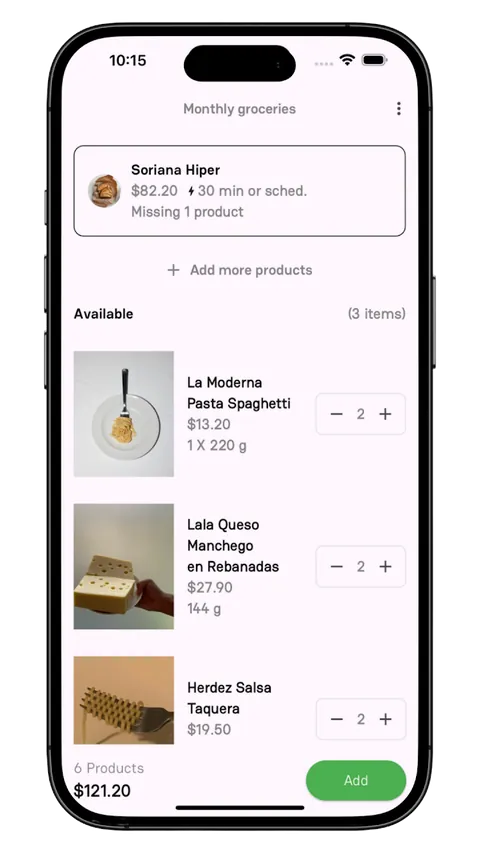
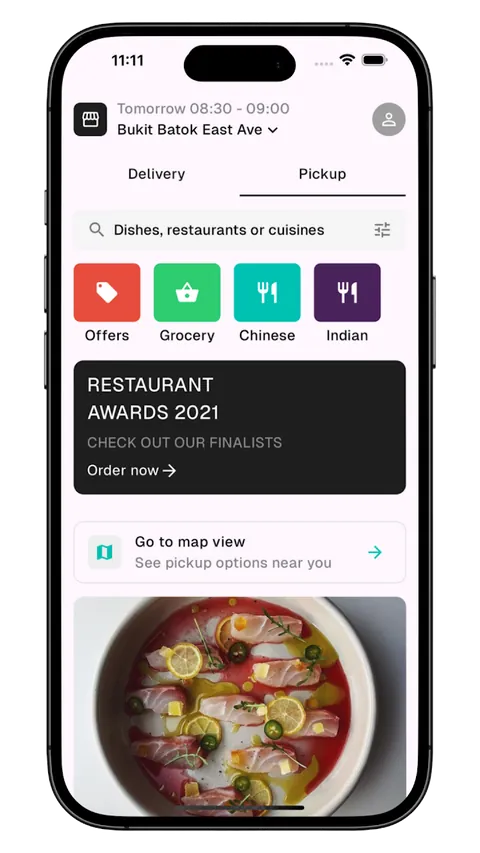
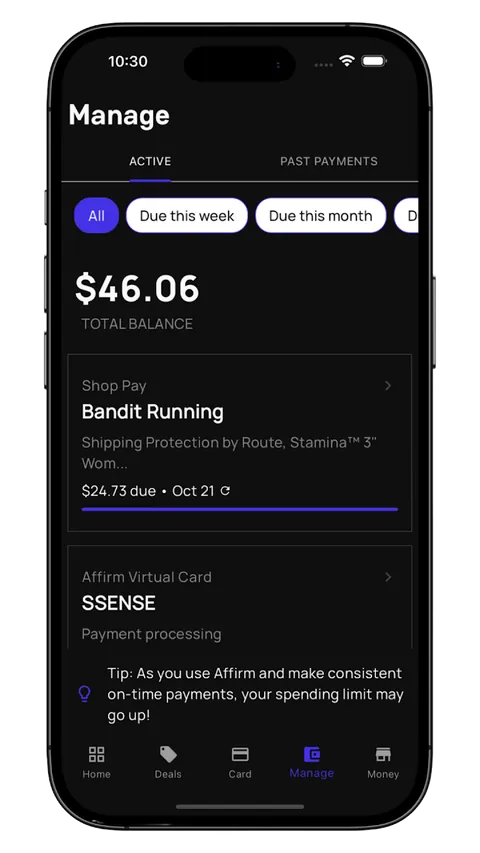
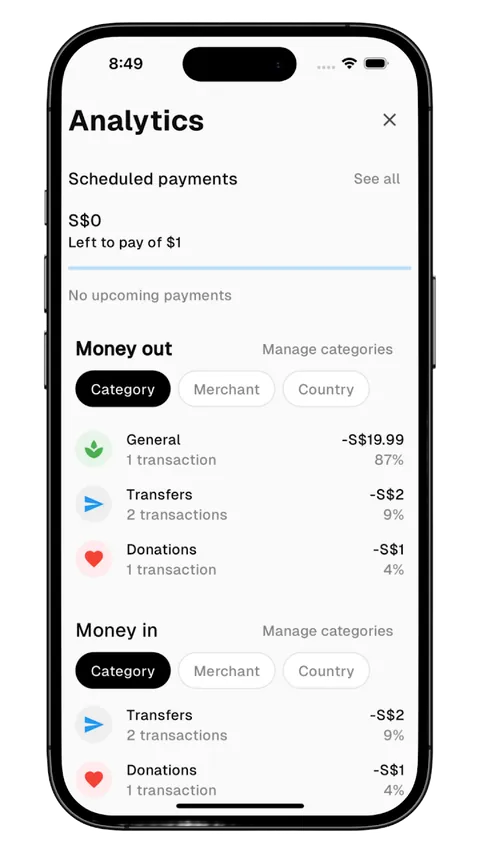
626 mobile screens in SwiftUI, Flutter, React Native and Kotlin. Start from working code, not a blank file.
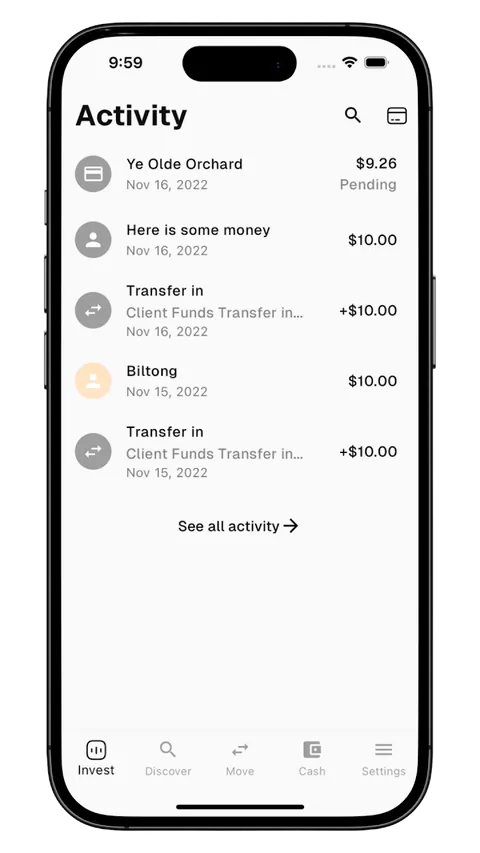
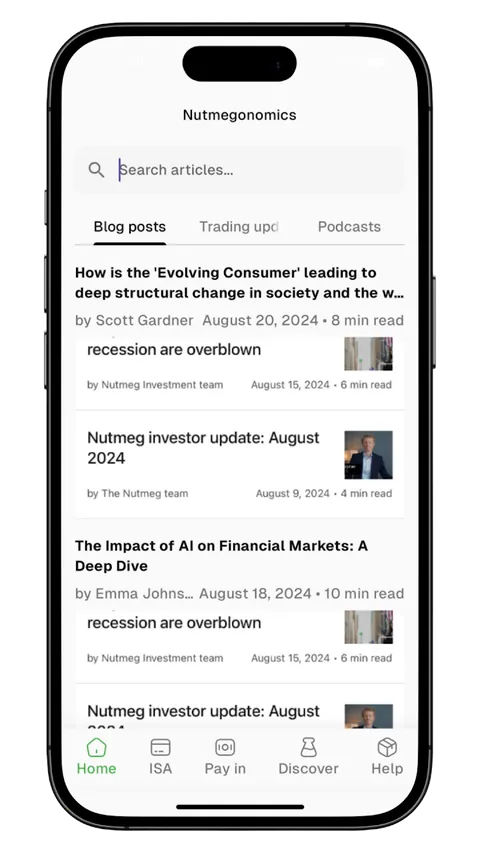
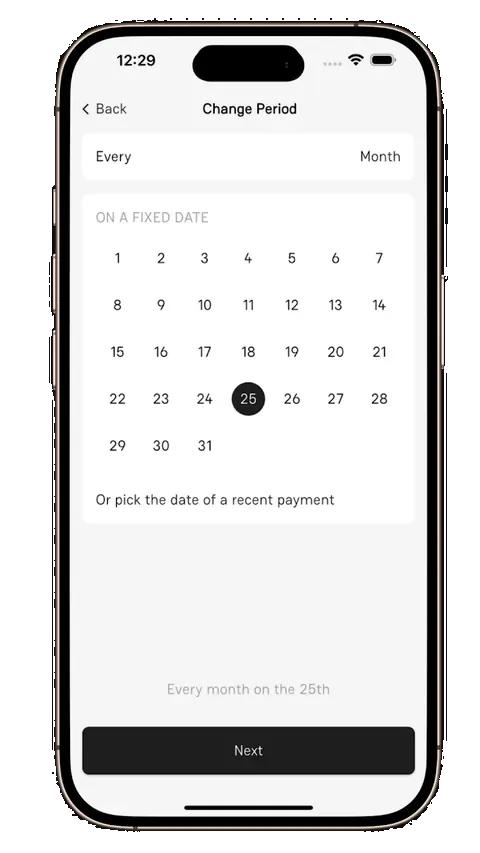
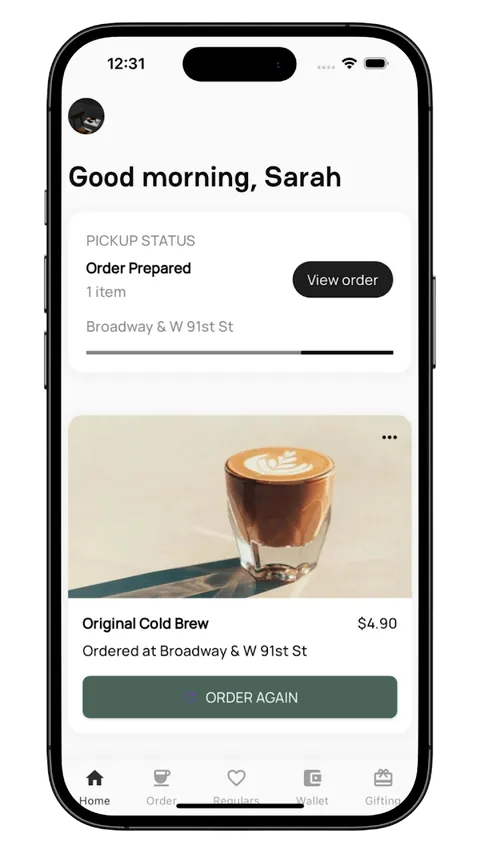
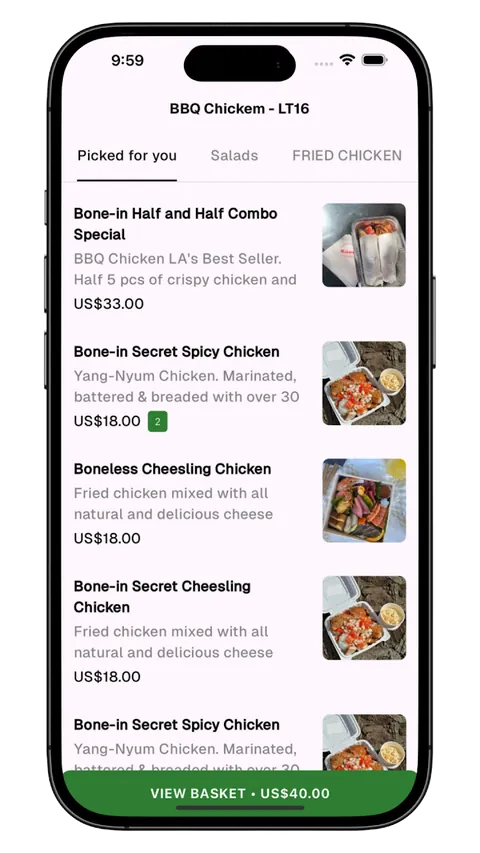
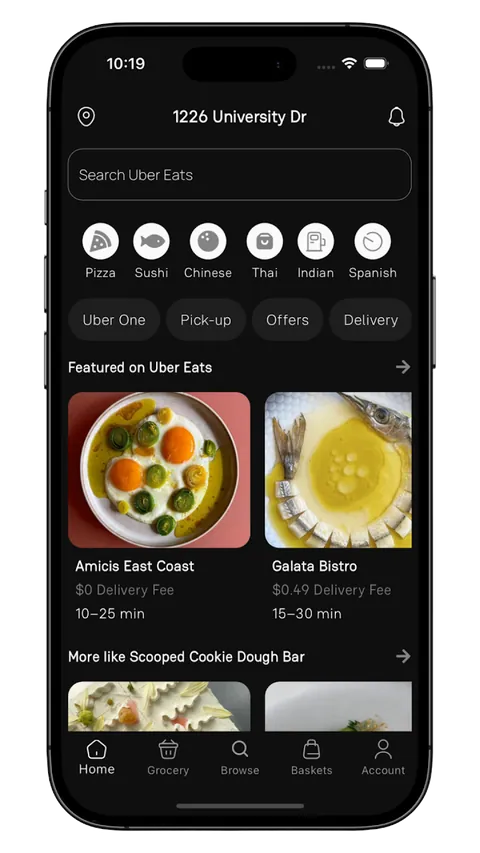
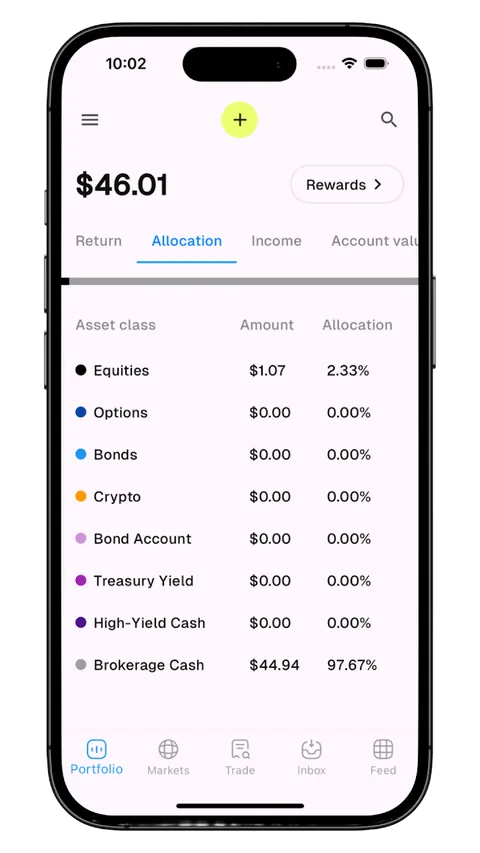
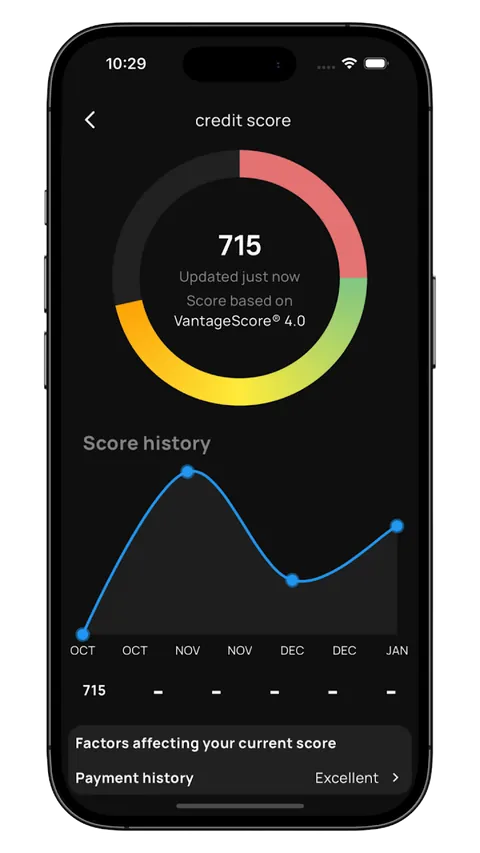
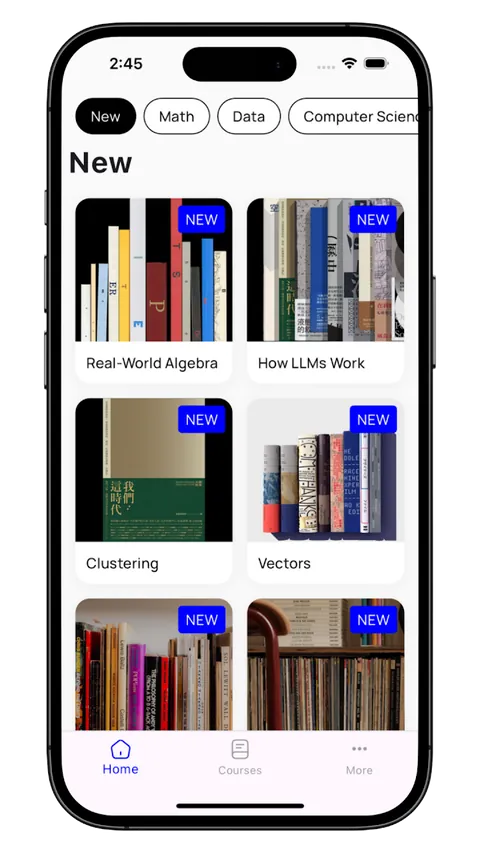
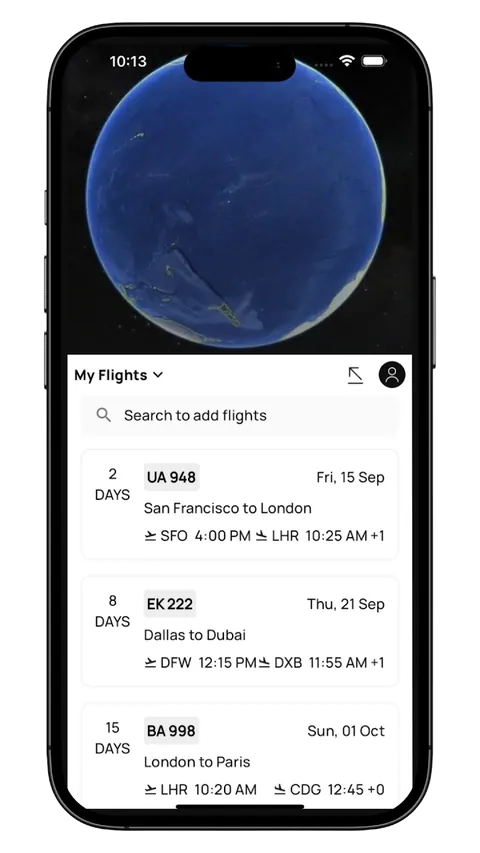
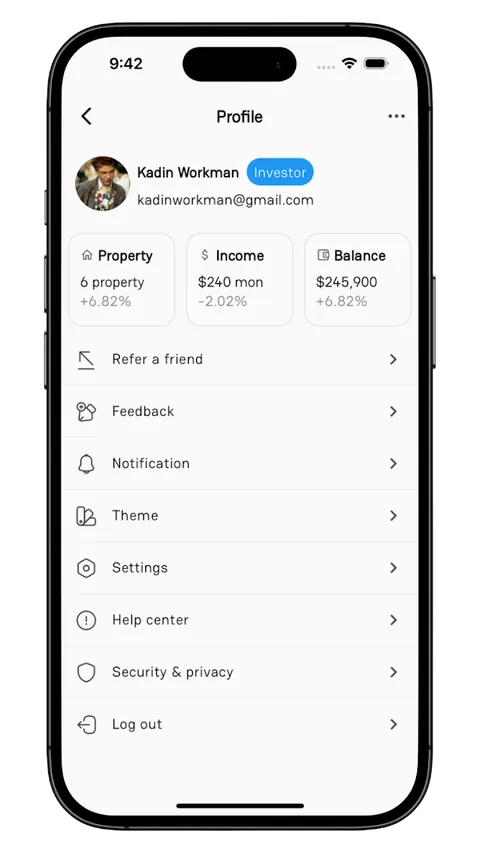
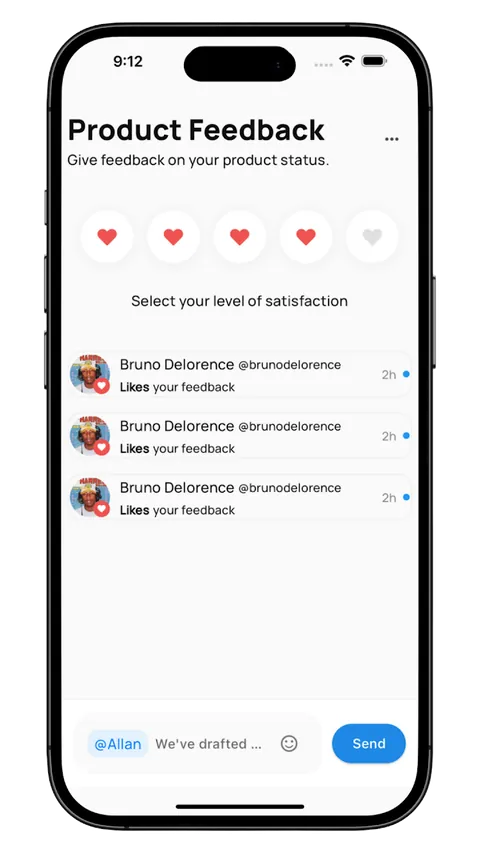
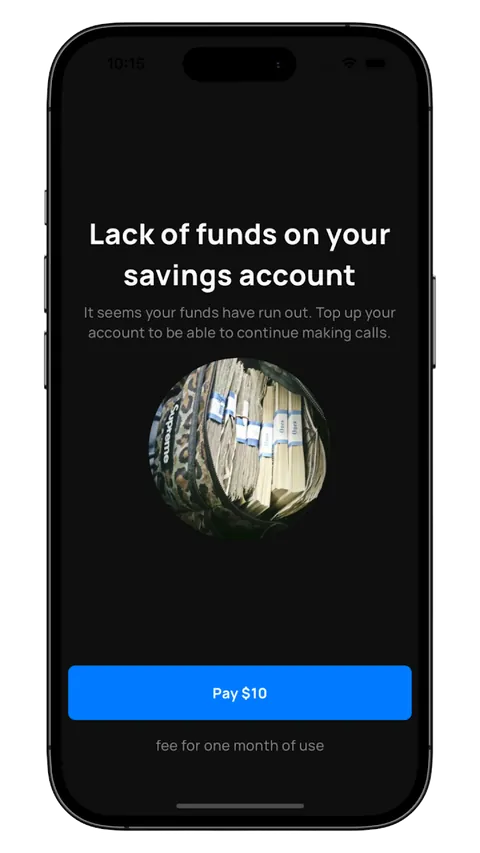
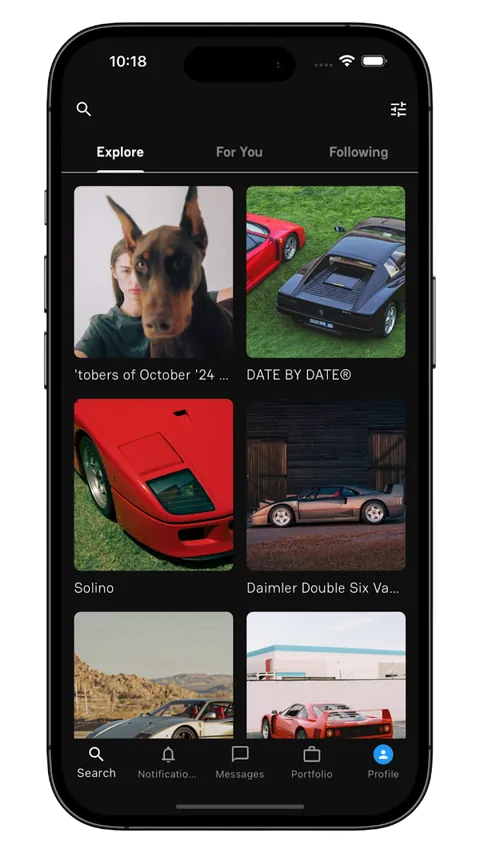
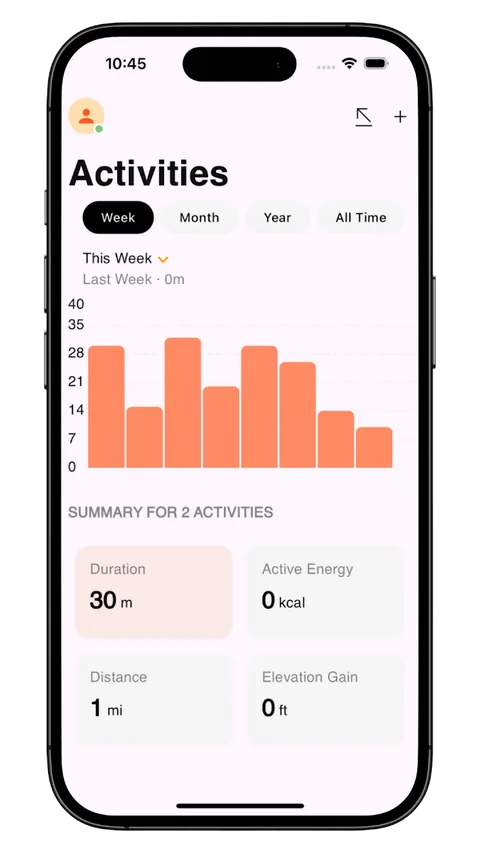
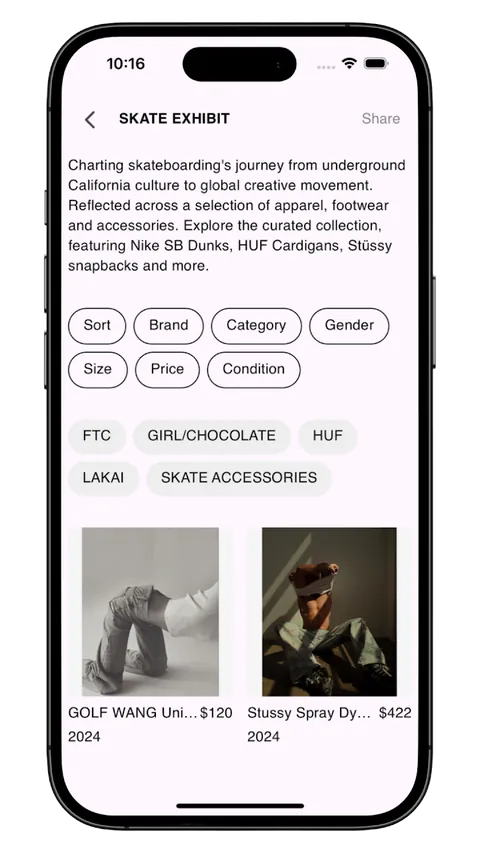
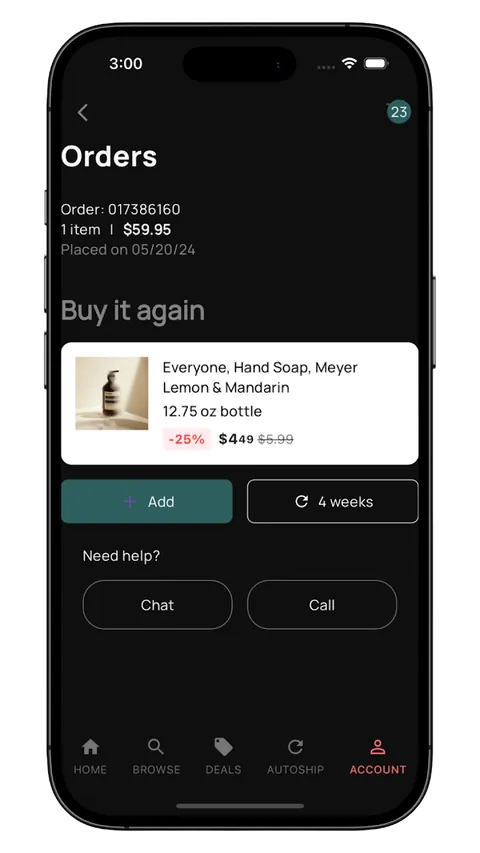
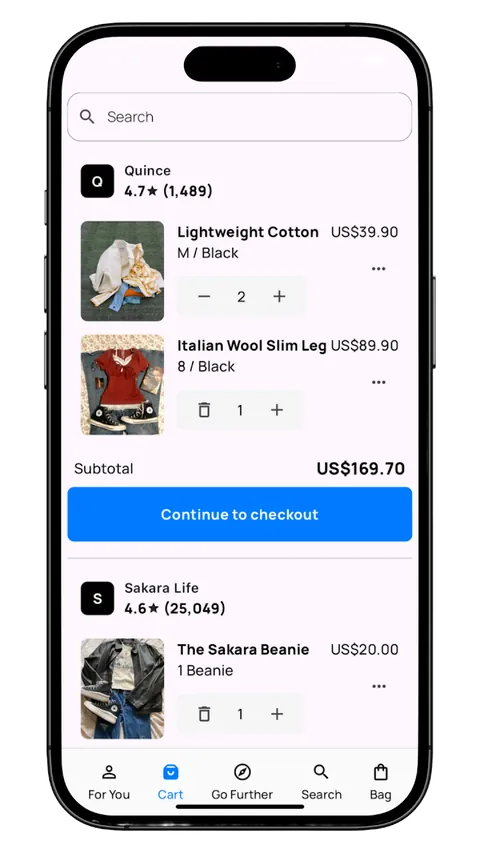
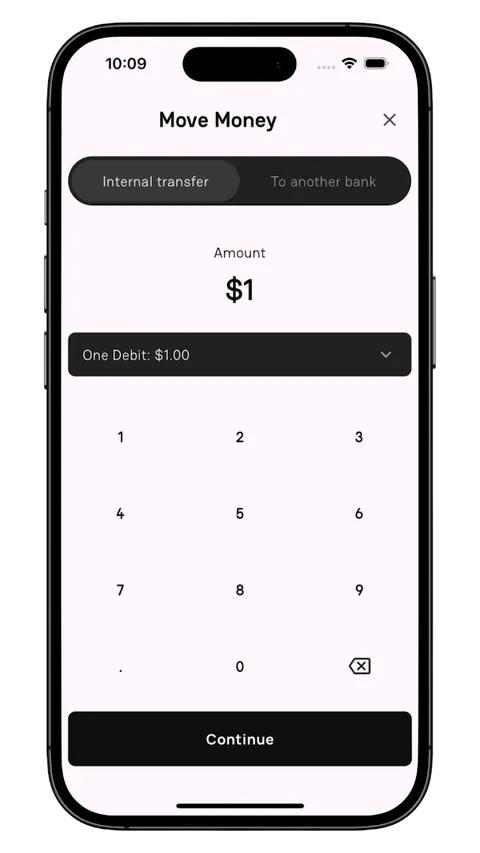
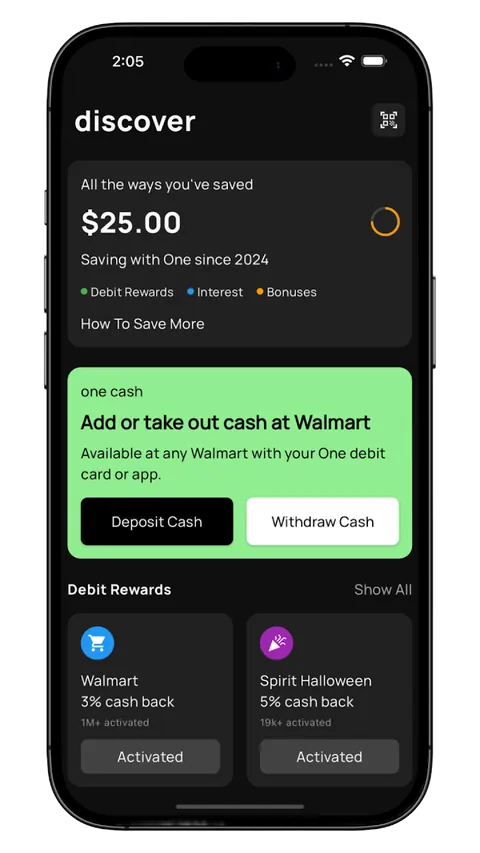
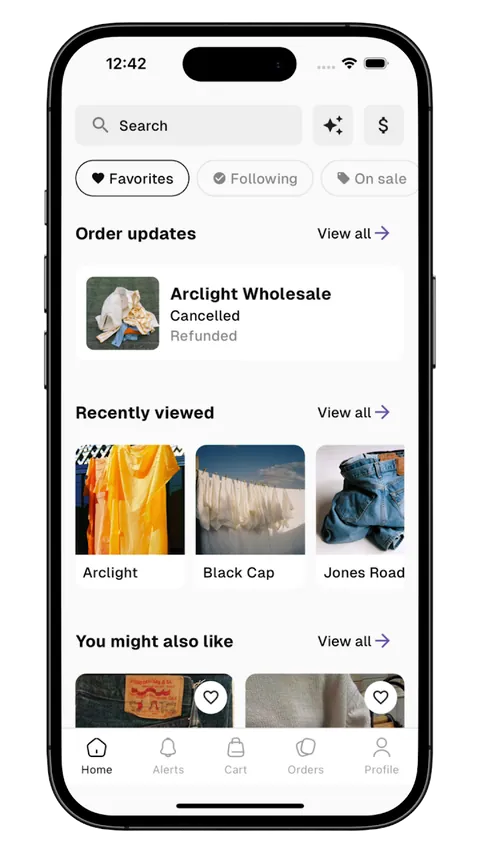
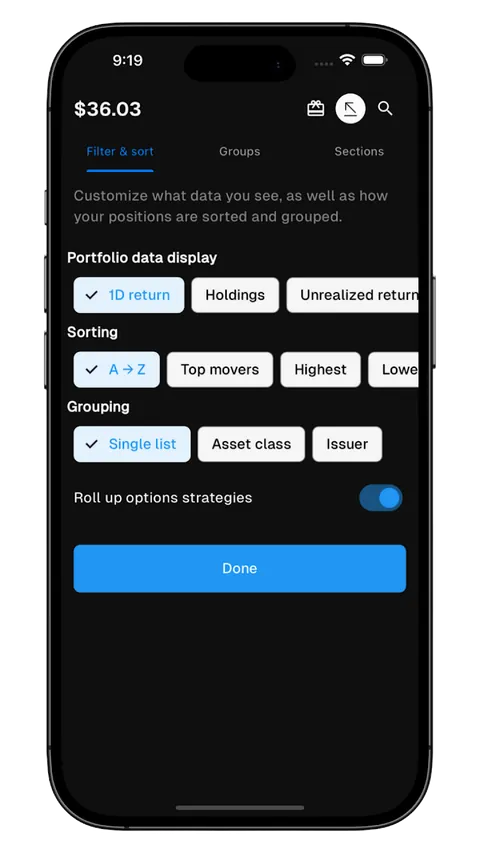
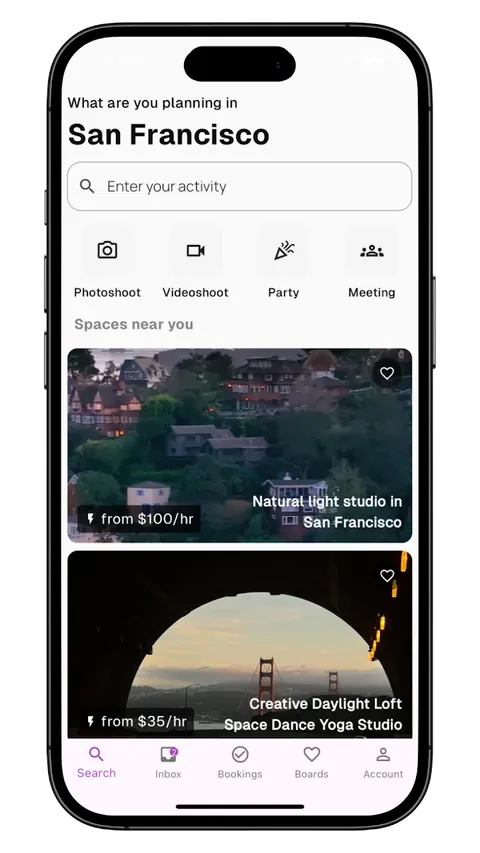
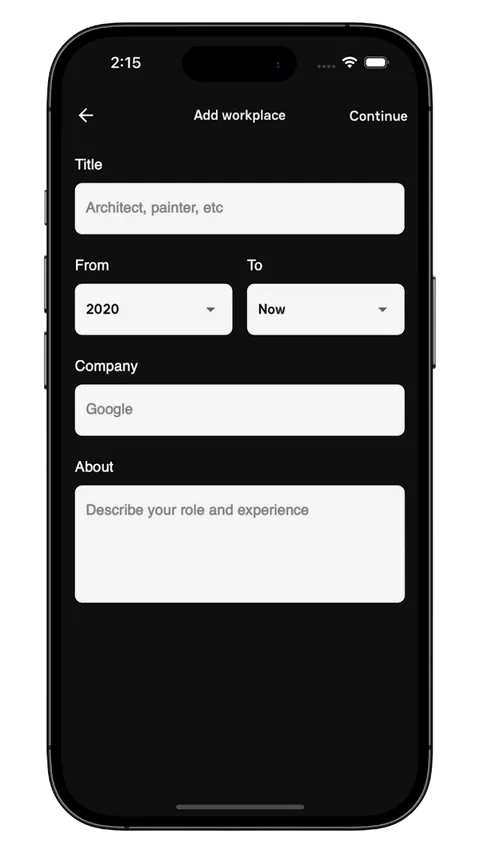
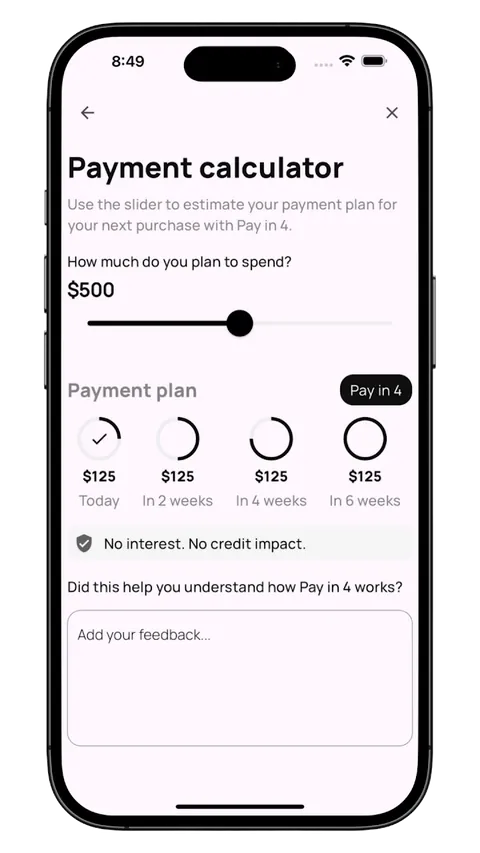
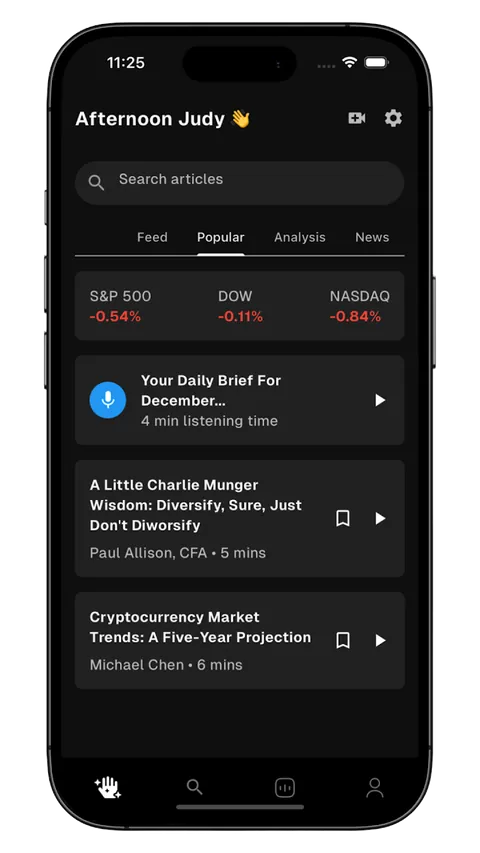
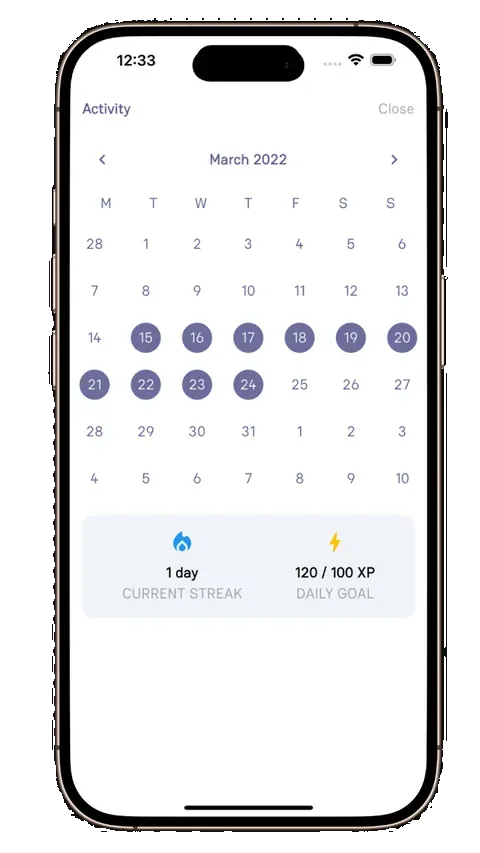
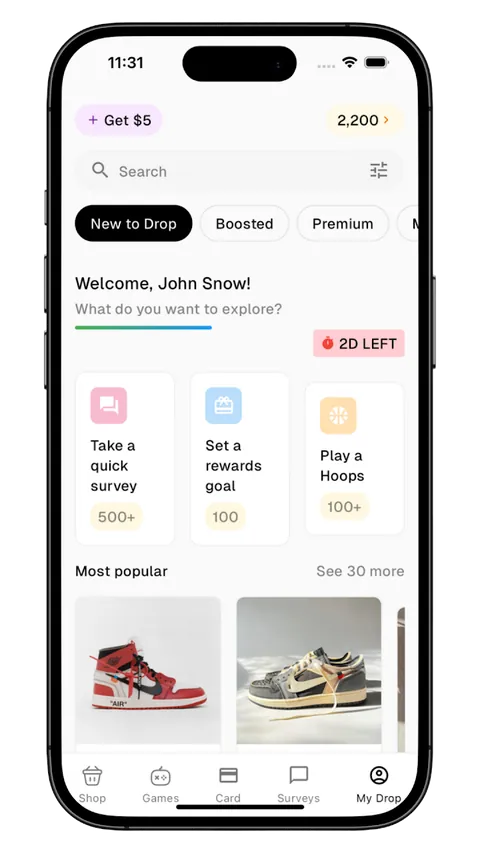
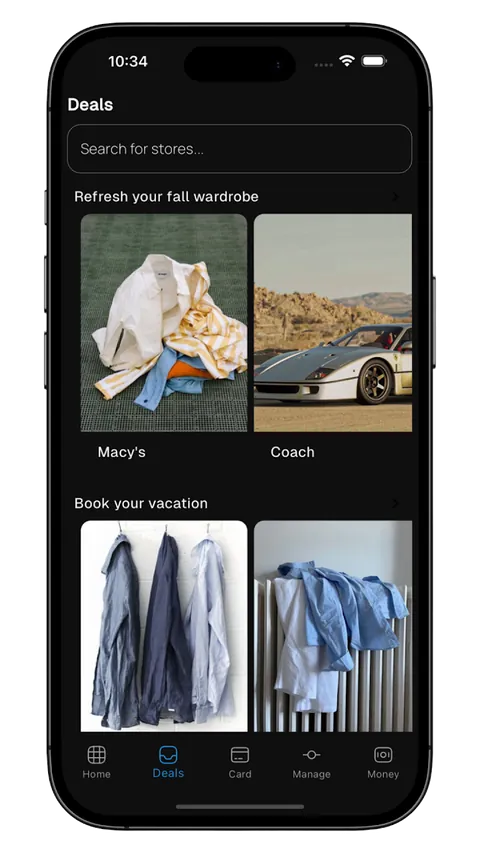
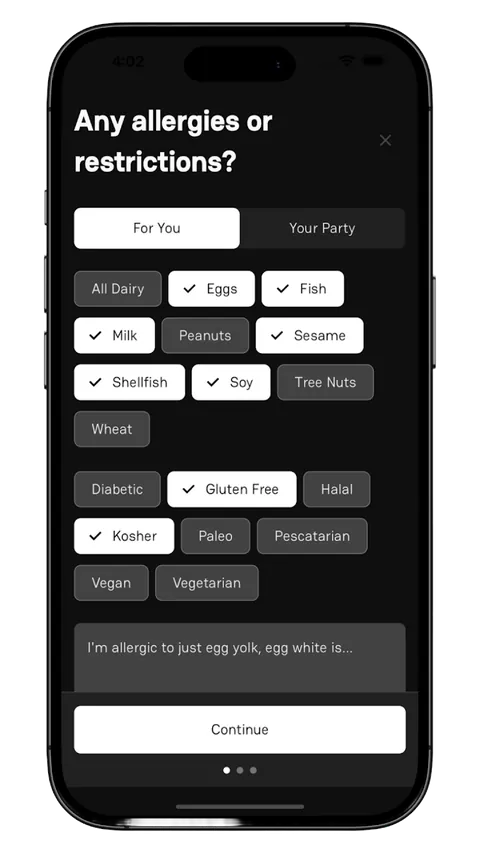
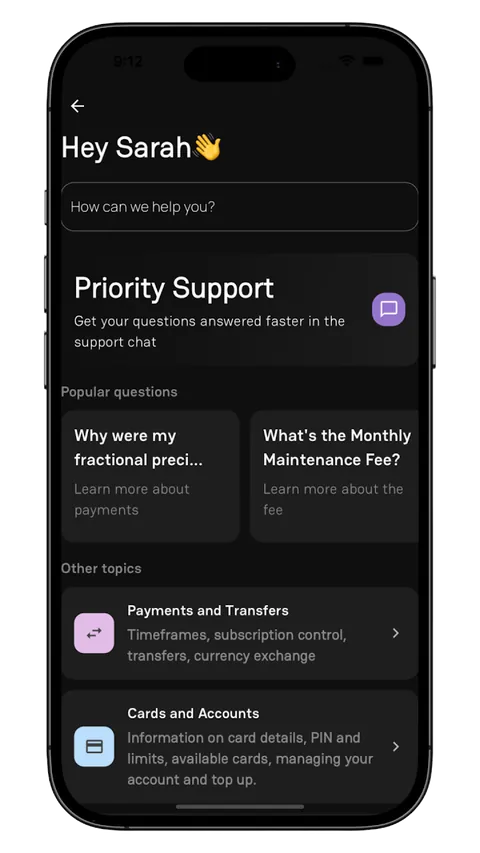
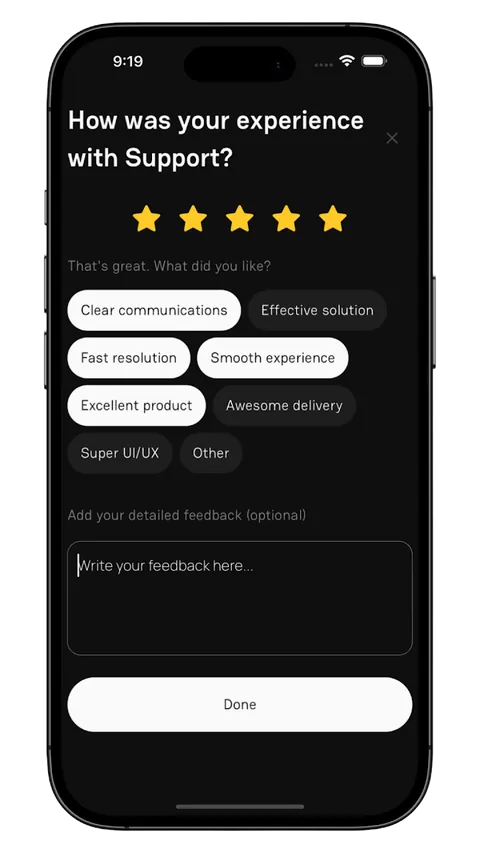
- Screens
- 626
- Complete flows
- 10
- Frameworks
- 4
- App categories
- 20
GroundUI is a source-code library for mobile app developers. Customize the screens, wire up your own data, and ship.
Find a screen by what it does.
All 626 screens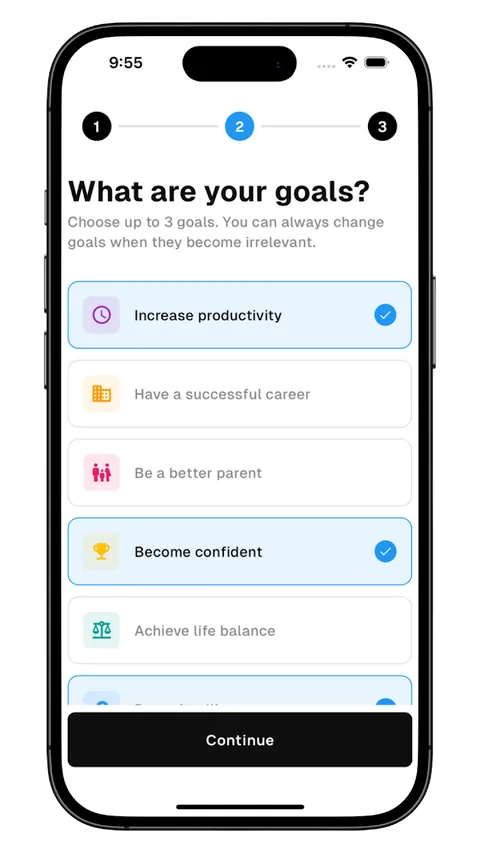
Goal picker
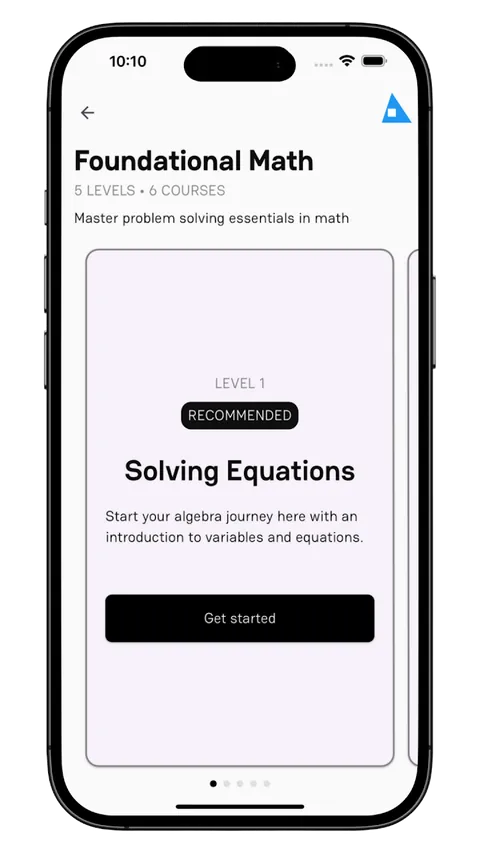
Course intro
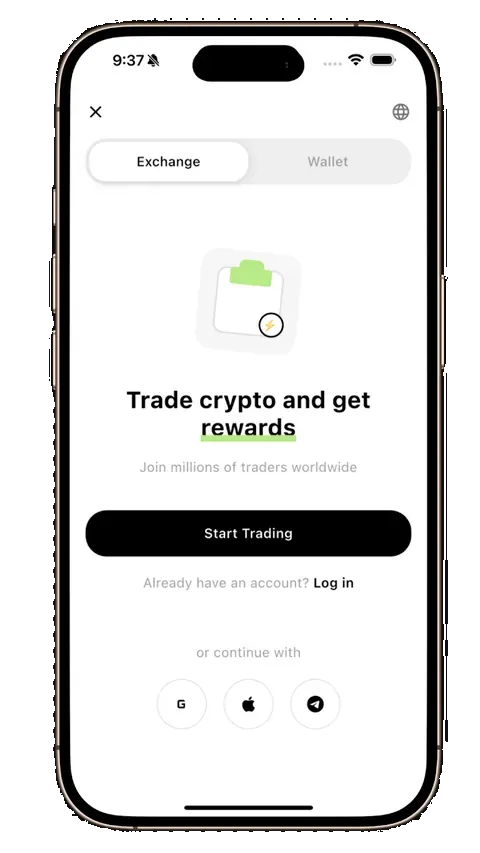
Crypto sign up
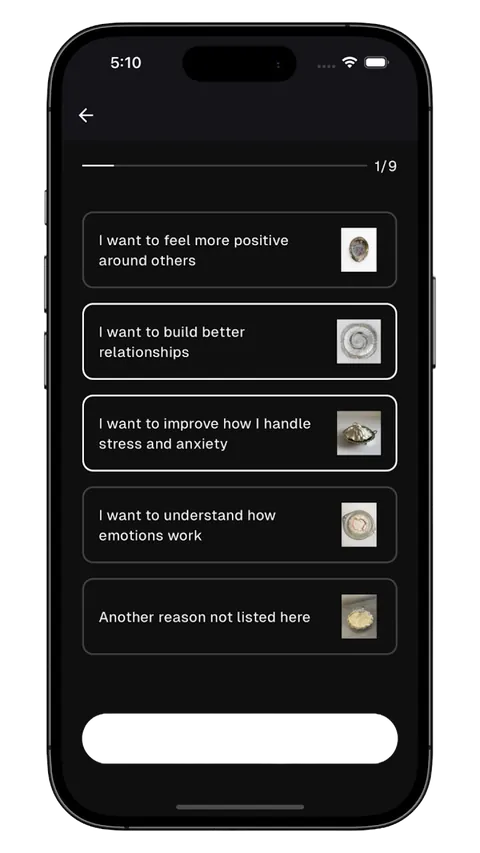
Wellness setup
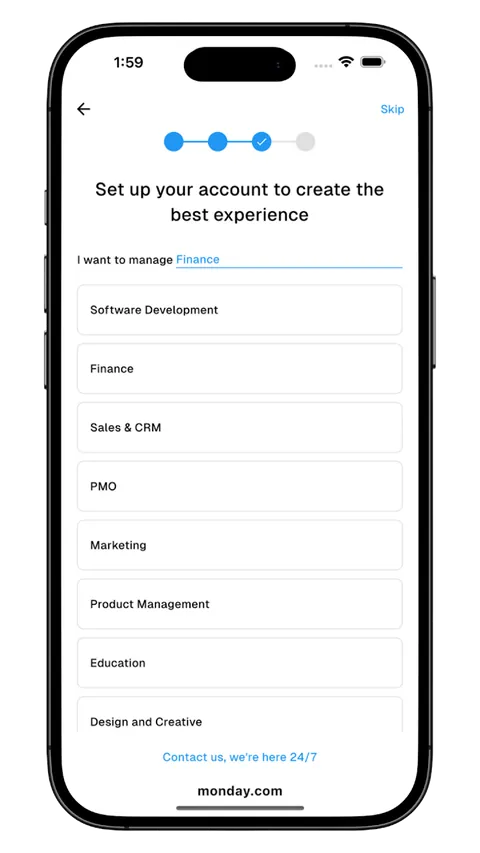
Account type
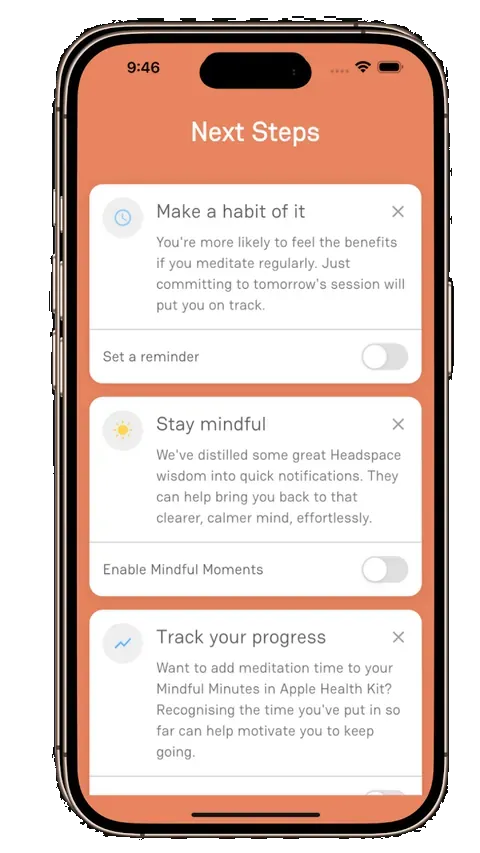
Next steps
Every screen ships as code.
Four frameworks per screen. Paste it in, then make it yours.
- SwiftUI, Flutter, React Native, Kotlin
- Your repo, your code, no package
- Change colors, type and copy freely
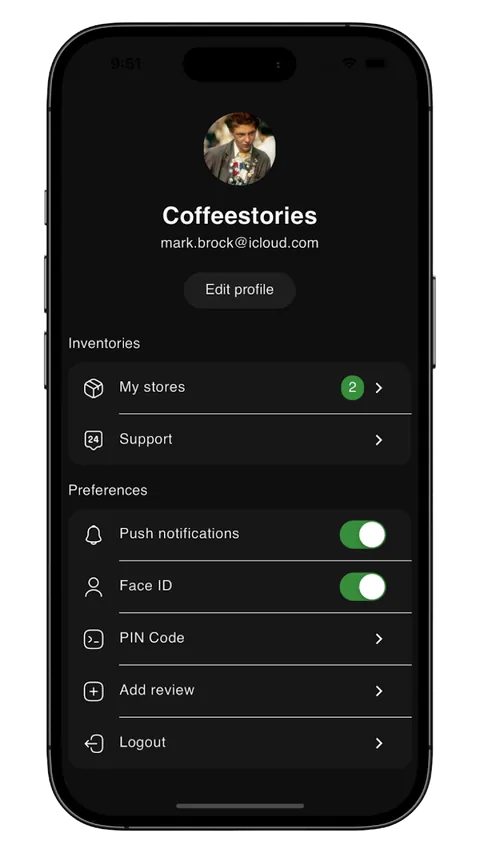
SettingsRow.swift
struct SettingsRow: View {
  let icon: String
  let title: String
  @Binding var isOn: Bool

  var body: some View {
    Toggle(isOn: $isOn) {
      Label(title, systemImage: icon)
    }
    .tint(.green)
    .padding(.vertical, 12)
  }
}
Coming in v2
Built for your coding agent.
Agents write better UI when they start from something real.
Agent briefs
Copy a screen as a brief for Claude Code, Cursor, v0 or Lovable.
MCP server
Your agent searches the library and pulls screens into your repo.
Search by meaning
Describe a screen, or drop in a screenshot, to find matches.
Pay once. Keep it.
Compare plansDeveloper
For independent developers and freelancers
Current price$39Regular price
Get access$199lifetime- Access to all screens, components, and flows
- Production-ready source code
- Complete app flows
- Unlimited workspaces
- AI Studio
- Team workspace tools
Teams
For teams building together
Current price$149Regular price
Get team access$499lifetime- Access to all screens, components, and flows
- Production-ready source code
- Complete app flows
- Unlimited workspaces
- AI Studio
- Team workspace tools
Questions
What is included?
You get access to every screen, component and flow in the library, with source code for Flutter, React Native, Kotlin and SwiftUI. You can customize the code and use it in your projects.
How often is the library updated?
We update the library regularly with new screens, components, flows, and improvements.
Can I browse before I buy?
Yes. Create a free account to browse free templates, website designs, app flows, and components.
Can I use as many templates as I need?
Yes. Your plan gives you access to the library, so you can use the items you need in your projects.
Can I customize the code?
Yes. You can change the layouts, styles, components, and code to fit your project.
Do I need to be an expert?
Some coding knowledge helps. The library gives you a clear starting point, so you do not have to build every screen from scratch.
How quickly can I build with GroundUI?
It depends on your project. Starting with ready-made code can help you get to a working version sooner.
Can I save items for later?
Yes. Use Workspaces to save and organize templates for your projects.
How does pricing work?
GroundUI is a one-time payment for lifetime access. There are no recurring fees.
Do you offer refunds?
Please read our refund policy before you buy. You can also explore free templates before making a purchase.